
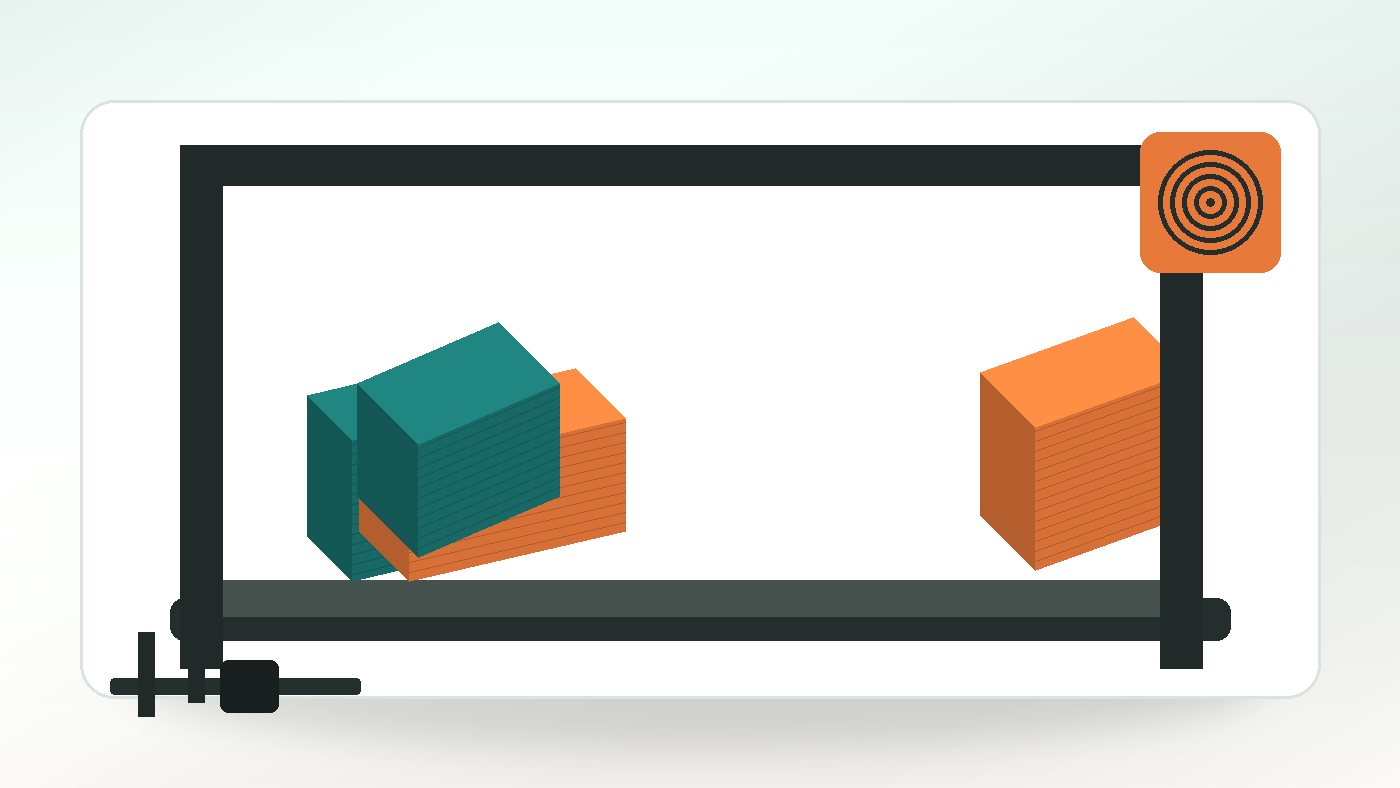
Print orientation is the direction a part is placed on the build platform. It sounds like a production detail, but it can change strength, visible faces, support marks, tolerance and cost.
For quote requests, the useful question is not just what process sounds impressive. It is what the finished part needs to prove, survive or show. That is why a short note about use, finish, scale and deadline can be as important as the model file itself.
A part that is cheap in one orientation can become slow and support-heavy in another. A part that looks good standing upright may be weaker across the layer direction.
Why this matters before you quote
Every 3D printing method has trade-offs. Some choices improve surface finish but add time. Others keep the price lower but leave more visible layer lines or cleanup marks. A practical quote balances those trade-offs against the job the part has to do.
That is where the site services fit together. A simple prototype may suit our File Feedback Service, while another version may need support from the FDM Prints Service. The same design can move through more than one route as it develops.
For example, a first version may only need to prove shape and handling. A later version might need stronger material, cleaner visible faces or a tighter fit with another component. Treating both versions as the same kind of print can lead to a quote that is either too cautious or too cheap to be useful. It is better to describe the stage the project is at and let the print route follow from that.
Design checks to make first
Before uploading the file, review the details that are likely to change cost, reliability or finish. These checks are not about making the design over-complicated. They are about removing the avoidable uncertainty that slows a quote down.
- Faces that must look clean
- Load direction and likely weak points
- Overhangs and support-heavy features
- Critical holes and mating faces
- Whether the part can be split for a better orientation
The most important check is the one that protects the part's purpose. If the job is about appearance, the visible faces and support marks matter. If the job is about function, load points, holes, clips and wall thickness usually deserve more attention. If the job is about a batch, repeatability and quantity become part of the design conversation too.
It also helps to reopen the exported file before sending it. Check that the scale still looks right, curved surfaces have not become too faceted, small features have not disappeared and assemblies still contain the correct parts. A few minutes of review can prevent a slower quote conversation later.
How it affects cost and timing
Orientation affects machine time and cleanup. Reducing support material can lower cost, but not if it compromises the part function.
Size, material, layer height, infill, support removal and finishing all affect the final price. For a one-off print, setup and review time matter. For a batch, repeatability and layout matter too. A clear brief lets the quote focus on the parts of the job that actually add value.
The cheapest useful quote normally comes from matching the print settings to the requirement. There is no benefit in paying for a finer finish on a hidden workshop fixture, but there is also no saving in under-specifying a part that must clip together, hold load or survive handling. Good quoting sits between those two extremes.
Timing works in the same way. A fast prototype can often be planned with simpler assumptions. A customer-facing model, a large part or a small batch may need more review because the cost of getting it wrong is higher. If the deadline is fixed, say that early so the quote can prioritise the route most likely to meet it.
Common mistakes to avoid
One common mistake is sending a file with no context and expecting the cheapest possible print to be the best answer. Without knowing whether the part is decorative, structural, temporary or customer-facing, the quote has to rely on cautious assumptions. Another mistake is choosing a material name before defining the actual requirement. Heat, impact, flexibility, outdoor use and detail are more useful clues than a guessed filament or resin.
Another avoidable issue is treating every dimension as equally critical. Most parts have a few areas that really matter: a mounting hole, a mating face, a clip, a visible front surface or a maximum outside size. Marking those areas in the notes helps keep the quote focused. It can also prevent money being spent on settings that do not improve the part in any meaningful way.
What to include in your upload notes
Tell us which face is cosmetic, which dimensions are critical and where the load travels through the part.
Useful notes include real-world dimensions, quantity, deadline, material preference, critical faces, critical holes and what the part needs to do. If speed is more important than appearance, say so. If finish matters because the part is customer-facing, say that too.
If you have several files, label them clearly and include the quantity for each one. If a file is only there to show fit or assembly context, say that it is reference geometry rather than a part to print. If there are several versions, tell us which one should be quoted first and what changed between them.
Photos, sketches and simple notes can also be useful. A CAD file shows shape, but it may not show how the part sits in the real world. A short explanation of the use case can make the difference between a generic print quote and a practical recommendation.
Useful background
For broader context, this external reference may help: Wikipedia: Fused filament fabrication. Background reading is useful, but the best quote information is still practical: what the part is, how it will be used and what matters most.
Next step
When the file and notes are ready, upload them through the quote page and keep the brief plain. Tell us the goal, the must-have details and the areas where you are flexible. If the model is ready, it can be priced. If it needs a change first, file feedback can save time before production starts.
A prepared upload does not need to answer every manufacturing question. It should give enough context for a sensible first quote. Send the cleanest file you have, add the important notes, and we can either price the print or flag anything that needs file feedback before production starts.